

Salesforce
Sales Cloud Implementation
Set up Sales Cloud around the way your team sells: leads, pipeline, forecasts and quotes, connected to the systems you already run.
Bring your current org or your requirements, and we'll talk through scope and next steps.
Salesforce Sales Cloud implementation configures Sales Cloud, Salesforce's sales force automation software, for one business: leads, accounts, opportunities, forecasting, quoting, automation, reports and integrations, plus data migration, testing and user training. Salesforce lists Sales Cloud pricing from $25 (Starter Suite) to $550 (Max) per user per month.
The practice
Sales Cloud with a Summit Partner
Techila Global Services is a Salesforce Summit Partner. We implement Sales Cloud for new teams and rebuild orgs that have grown untidy: lead routing, opportunity stages, forecasting, quoting, sales automation and the reports sales leaders read. We also connect Sales Cloud to ERP, marketing and finance systems, and move data in from spreadsheets or another CRM.
Moving from another CRM? See our Salesforce migration services.
ZoomInfo Salesforce integration
LinkedIn Sales Navigator Salesforce integration
Which Sales Cloud edition do you need?
Salesforce lists five paid plans on its sales pricing page. The edition decides which features you can configure, so it is the first decision in an implementation. Prices are in US dollars per user per month, as Salesforce listed them on 10 November 2026; Salesforce notes they are for information only and subject to change.
| Plan | Price | Billing | What Salesforce lists |
|---|---|---|---|
| Starter Suite | $25 | Monthly or annually | Lead, account, contact and opportunity management; built-in sales flows and lead routing; email marketing |
| Pro Suite | $100 | Annually | Everything in Starter plus more customization and automation; sales quoting and forecasting |
| Core | $195 | Annually | Everything in Professional Edition plus Premier Success; Slack Business+; Tableau Next |
| Advanced | $395 | Annually | Everything in Core plus enhanced security, more AI and expanded data capacity; Sales Programs |
| Max | $550 | Annually | Everything in Advanced plus Agentforce for Sales, Salesforce Spiff, Sales Planning, Salesforce Maps and 2.75M Flex Credits per org per year |
What does each Sales Cloud plan cost per user?
- Starter Suite$25
- Pro Suite$100
- Core$195
- Advanced$395
- Max$550
Salesforce says AI can be added to Core and above. If you are unsure which edition fits, we map your sales process against the editions before you sign, as part of our Salesforce consulting services.
What does a Sales Cloud implementation include?
Salesforce's own CRM implementation guide sets out nine steps, from a needs assessment to evaluation after go-live. For Sales Cloud, the work in those steps usually looks like this:
- Needs assessment. Map how leads arrive, who owns them, the stages a deal goes through and what managers need to see.
- Edition and licenses. Pick the plan and the number of users from the features you need.
- Design. Agree the data model, opportunity stages, territories, forecast categories and quote process.
- Configuration and integration. Build lead routing, automation, page layouts, reports and dashboards, and connect email, ERP and marketing tools.
- Data migration. Clean and load accounts, contacts, open opportunities and history from the old system.
- Testing and training. Run user acceptance testing with real sellers, then train reps, managers and admins.
- Go-live and review. Launch, support the first weeks, then measure adoption and plan the next release.
Sales Cloud implementation process
- DiscoveryMap how leads arrive, who owns them, deal stages and what managers need to see.
- DesignAgree the data model, opportunity stages, territories, forecast categories and quote process.
- BuildLead routing, automation, page layouts, reports and dashboards, plus email, ERP and marketing integrations.
- Data migrationClean and load accounts, contacts, open opportunities and history.
- TestingUser acceptance testing with real sellers.
- TrainingReps, managers and admins trained on the new setup.
- Go-liveLaunch, support the first weeks, then measure adoption and plan the next release.
Salesforce's guide says a small business can take just a few weeks, while larger enterprises with intricate integrations might need several months. For budgets, see the Salesforce implementation cost guide.
Should you implement Sales Cloud yourself or with a consultant?
Salesforce's own advice is to start with a free trial, choose a pricing plan and configure the platform to your requirements, and it points to consultants and partners on AgentExchange (formerly AppExchange) for help. Salesforce offers a 30-day Sales Cloud trial with no credit card.
A small team on Starter Suite with standard stages can often set itself up. A Sales Cloud consultant earns their fee when you have several sales teams or regions, a quoting or approval process, integrations with ERP or billing, or years of data to migrate. Those are the places where a wrong design is expensive to undo.
To talk through your sales process, book a discovery call.
Sales Cloud data migration and integrations
Most Sales Cloud projects start with data that already lives somewhere: spreadsheets, another CRM or an ERP. We map each field to Sales Cloud, clean duplicates, load accounts, contacts, open opportunities and history in trial runs, and reconcile the counts against the old system before cutover.
The integrations sellers notice first are email and calendar, ERP and quoting. Our Salesforce Outlook integration page covers logging emails and meetings to the right records; Salesforce Slack integration brings deal channels next to the record; and teams that quote complex products can read our guide to Salesforce CPQ, now succeeded by Revenue Cloud.
For ERP, finance and marketing systems, see Salesforce integration services; for moves from another CRM, see our Salesforce migration services.
User adoption and training after go-live
A Sales Cloud org earns its cost only if sellers use it. Salesforce's implementation guide ends with evaluation and iteration after go-live, and that is where adoption is won or lost.
- Role-based training. Separate sessions for reps, managers and admins, built on your own stages and reports.
- Support in the first weeks. A named contact for questions while users settle.
- Usage review. Logins, opportunity updates and forecast use checked against what managers need to see.
- Next backlog. Fixes and improvements ranked from what users report, planned into the next release.
Ongoing admin and releases can move to Salesforce managed services.
Agentforce in Sales Cloud
Salesforce says AI can be added to Core and above, and lists Agentforce for Sales in Max, with 2.75M Flex Credits per org per year. Its AI sales agent pages describe an SDR agent that keeps leads engaged and answers questions and objections, personalized lead outreach, and meeting booking against real-time calendar availability.
A sensible first use case is following up every inbound lead and booking qualified meetings, which depends on clean lead data, routing rules and calendar access. See Agentforce implementation for how a first agent is built and tested.
Planning a Sales Cloud rollout, rebuild or second phase? Talk through your scope with a Sales Cloud architect.
Talk to a Sales Cloud architectCapabilities
What can Techila set up in Sales Cloud?
The setup covers the whole path from a new lead to a closed deal, and the data and integrations around it.
Delivery process
How does a Techila Sales Cloud project run?
Four phases, each ending with something you can check. Durations are set in the first phase, from your scope.
Proof
Recent programs.
All case studies →


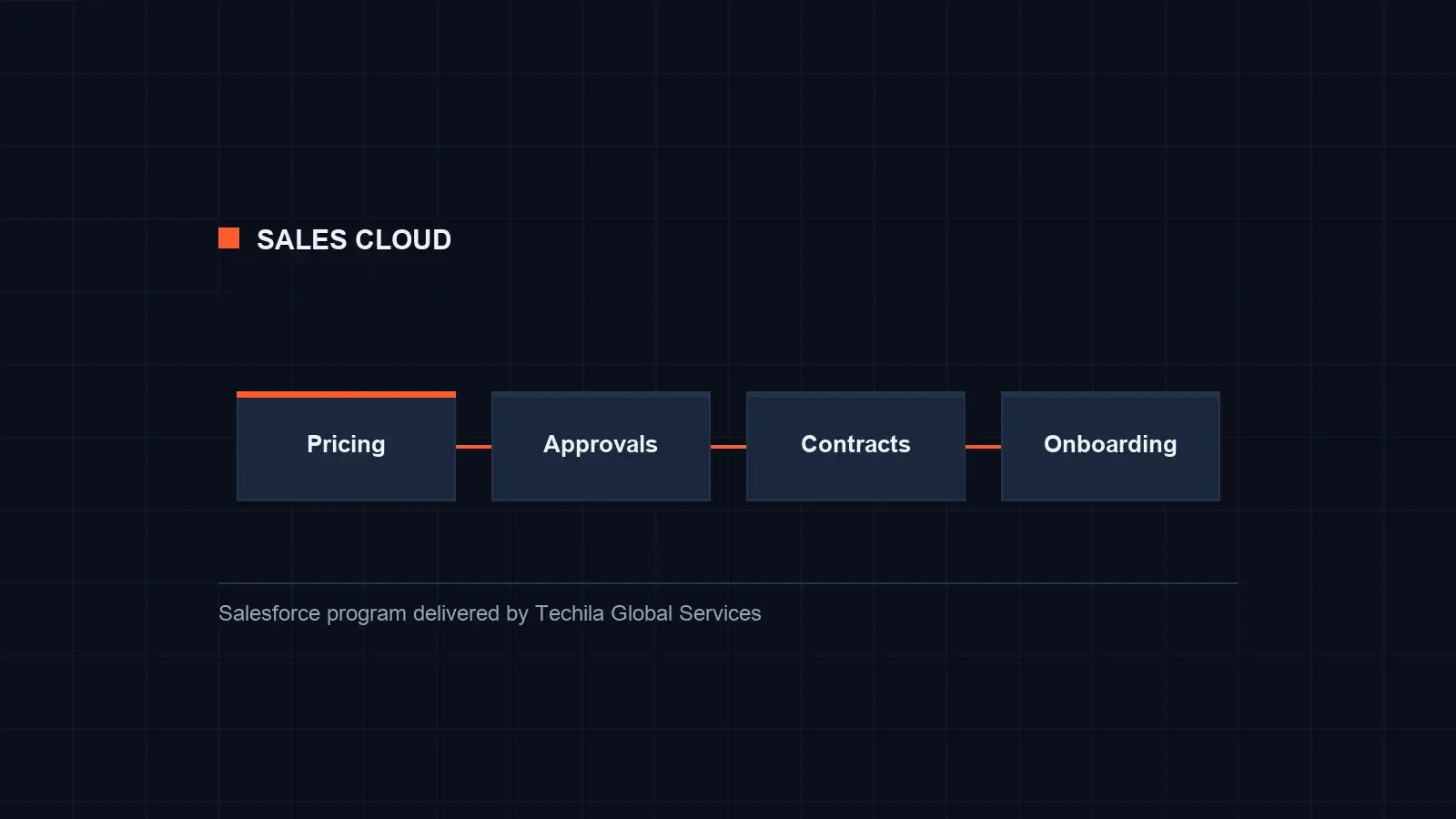
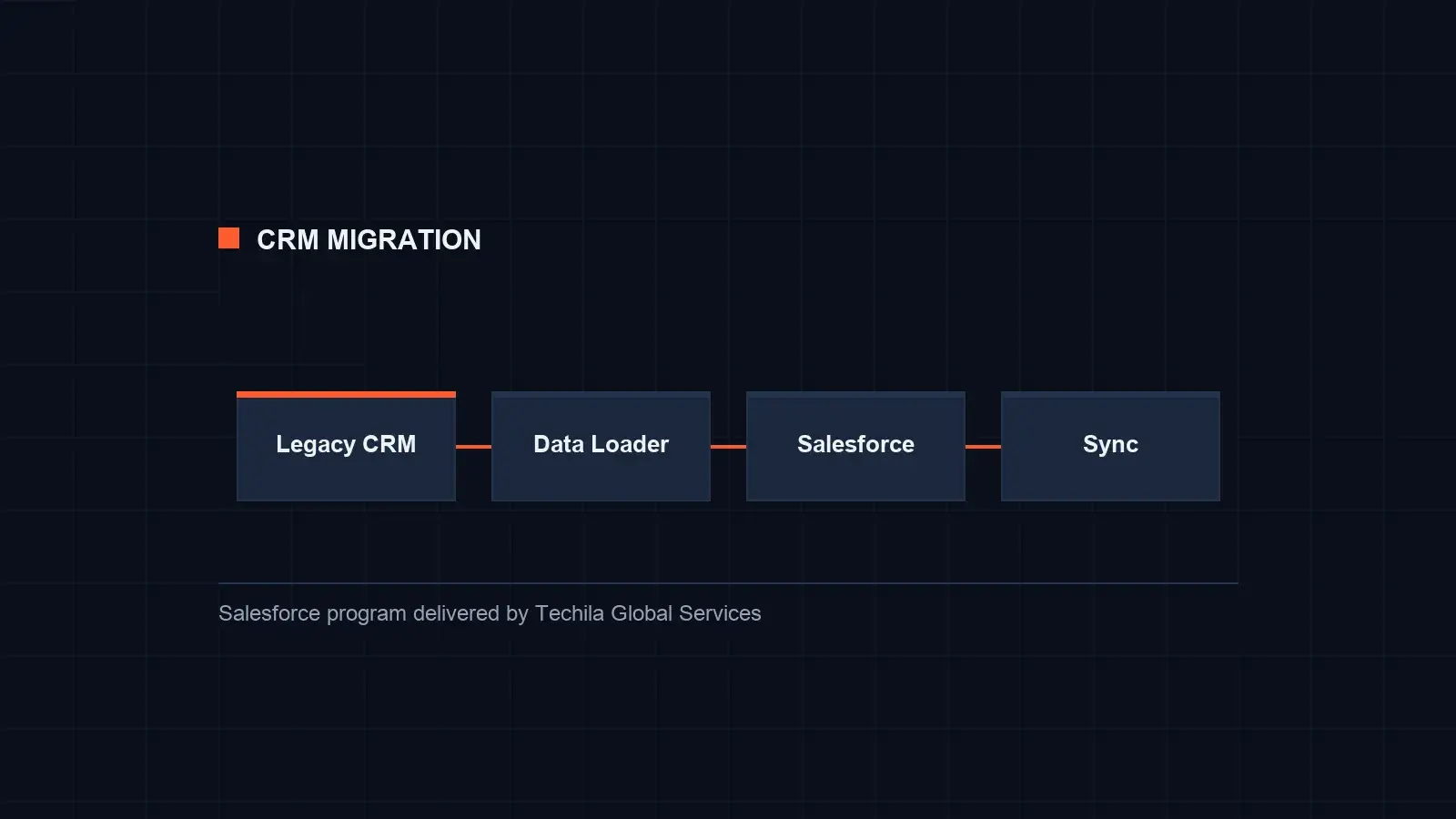
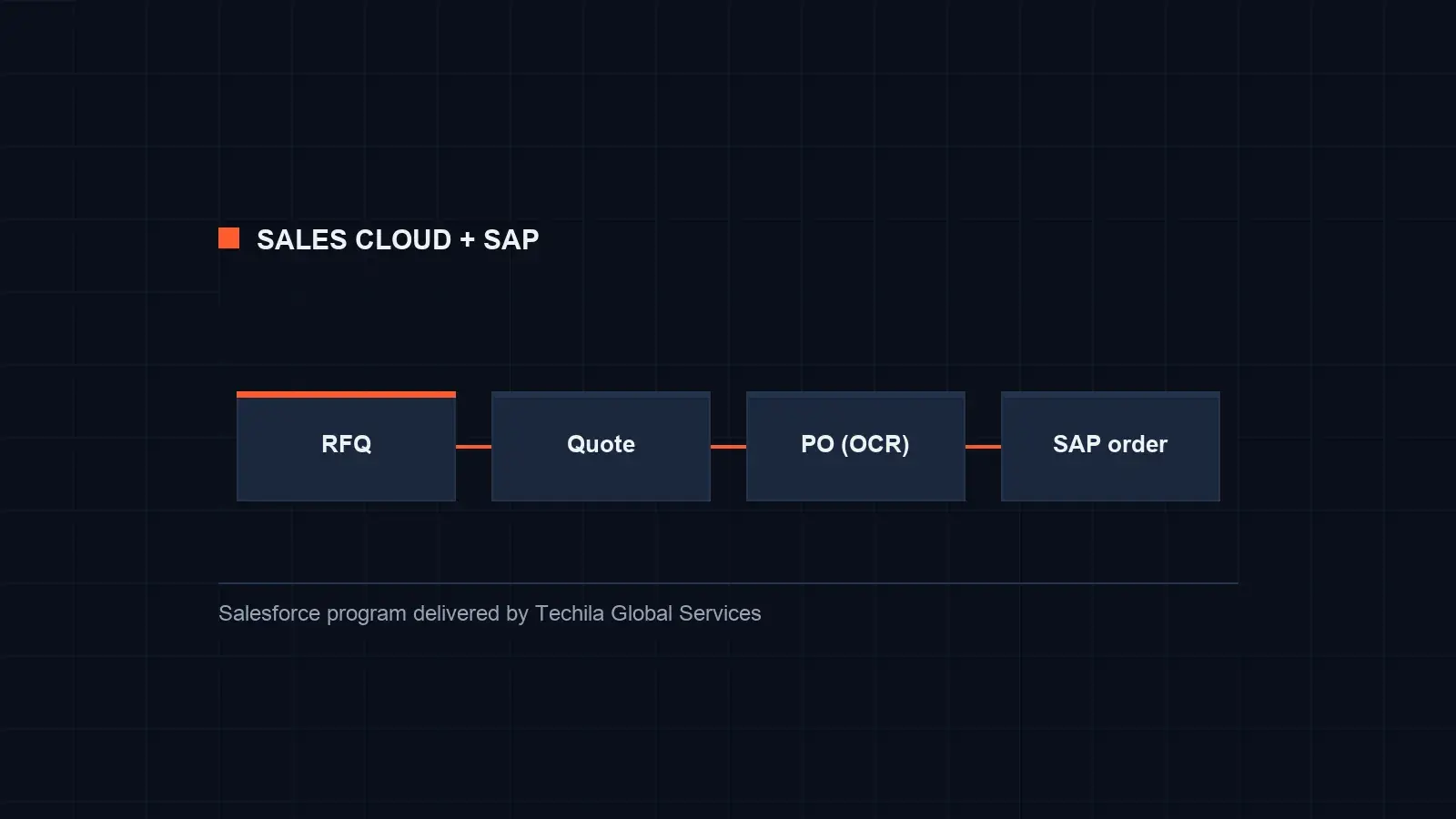
Want to see how a similar program would run in your org?
Discuss a similar programRelated services
Pair this with.
FAQ
Sales Cloud implementation questions.
What buyers ask before they set up Sales Cloud.
Salesforce describes Sales Cloud as sales force automation software that gives sales teams what they need on one integrated platform: lead, account, contact and opportunity management, forecasting, quoting, automation, AI and reporting.
On 10 November 2026 Salesforce listed Starter Suite at $25, Pro Suite at $100, Core at $195, Advanced at $395 and Max at $550 per user per month. Starter can be billed monthly or annually; the others are billed annually. Implementation is a separate cost.
Salesforce's implementation guide says a small business can take just a few weeks, and a larger enterprise with intricate integrations might need several months. The number of teams, integrations and the data you migrate set the length.
Yes. Salesforce offers a 30-day Sales Cloud trial with no credit card and no installation. A trial is useful for testing the screens with a few sellers before you design the full setup.
Not for a small, standard setup. A consultant helps most with several teams or regions, quoting and approvals, integrations and data migration. Salesforce itself points buyers to consultants and partners on AgentExchange for implementation help.
Summit is a consulting tier in Salesforce's partner program. In March 2026 Salesforce announced a program with two consulting tiers, Summit and Select, and 28 core competencies in place of 170 older distinctions, with success measured by customer results such as CSAT, specializations and certifications. Techila's AppExchange listing shows the Summit tier.
Sources
Last reviewed:
- Salesforce, Sales Cloud (read 10 November 2026)
- Salesforce, Sales pricing (read 10 November 2026)
- Salesforce, AI sales agents (read 10 November 2026)
- Salesforce, CRM implementation: a 9-step guide (read 10 November 2026)
- Salesforce AppExchange, Techila Global Services consulting listing (read 10 November 2026)
- Salesforce News, Rewarding value through the new Salesforce partner program (2 March 2026)
Talk to an expert about Salesforce Sales Cloud Implementation
Tell us what you need. We reply within 1 business day.